

Incredible opportunity
for those with
incredible potential.
Why W&L
Washington and Lee University is a small liberal arts college nestled in the Virginia mountains. We are known for our personal and engaging undergraduate experience and highly regarded School of Law.

W&L Advantage
Founded in 1749, W&L is the 9th oldest college in the United States, even older than the U.S. Constitution.
Today, W&L is a top-ranked liberal arts university that continues to build on its innovative and flexible approach to education. W&L’s motto, “Not unmindful of the future,” reflects our commitment to an education that is relevant to the 21st century.

Making College Affordable
We are committed to meeting 100% of student financial need.
Every year, W&L awards about $53 million in institutional grants in addition to federal and state awards. And because of the strength of our need-based aid, only a fraction of families choose to take out optional loans.

Engaged Community
We are a close-knit, residential campus where students build lifelong friendships by living on campus, working and studying together, participating in clubs and activities, and serving the community.
A community which is strengthened by the student-run Honor System, and the commitment students make not to lie, cheat, steal or otherwise violate the trust of the community.

Pool of Opportunities
Our size, resources and commitment to innovation mean students have access to faculty and resources from day one.
One of the hallmarks of the W&L experience is the accessibility of faculty. Every class is taught by a faculty member who often becomes a mentor, colleague and champion, pushing students to raise the bar.

Adventure-Ready Location
Our campus is about 50 miles from Roanoke, 140 miles from the state capital of Richmond, and 180 miles from the national capital of Washington, D.C.
Lexington — and the adventure-ready landscape that surrounds it — become such a part of students’ lives that graduates often return to visit long after their college days are behind them.
Explore Our Curriculum
Scene on Campus
Scene on Campus is a frequently updated collection of candid photos highlighting W&L campus life.
Want to see more?
The Heart Of W&L
We have a long tradition of educating smart, ambitious students who have the ability and the desire to make a difference in the world.

Experiential Education
At Washington and Lee University, we believe in the power of learning by doing, so students are encouraged to push beyond traditional classroom experiences.


Global Education
Most students participate in an experience abroad during their W&L experience. This may be for a term or full-year, Spring Term, summer program, internship, research, or service.


Undergraduate Research
Students are encouraged to pursue undergraduate research whether independent or in partnership with faculty.


Distinctively W&L
Our size, resources, innovative teaching and interdisciplinary learning, means students get personal attention and have opportunities for distinctive experiences.

From The Columns
Read The Columns for W&L stories on campus and around the world.
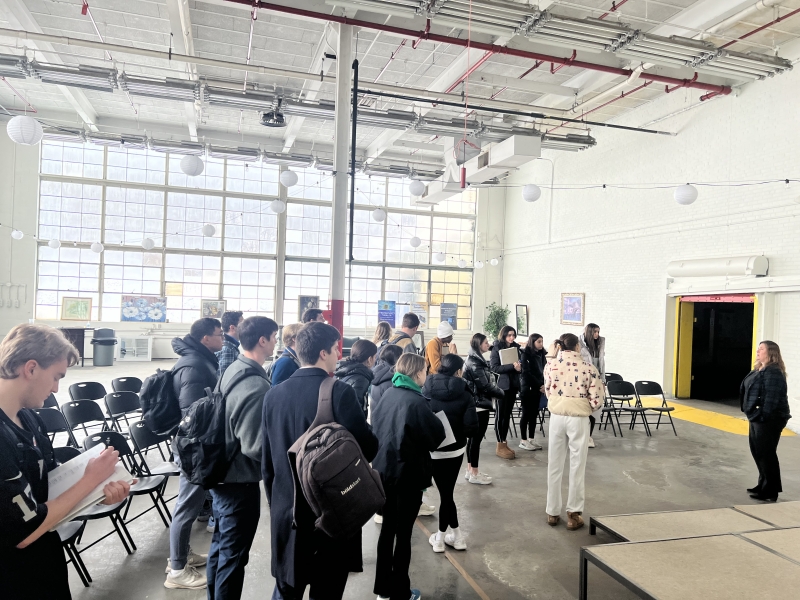
CBL Faculty Collaborative Generates New Community Connections
The 2023-2024 academic year at W&L saw the proliferation of several new course offerings for students through a new faculty development initiative offered by the Office of Community-Based Learning (CBL).
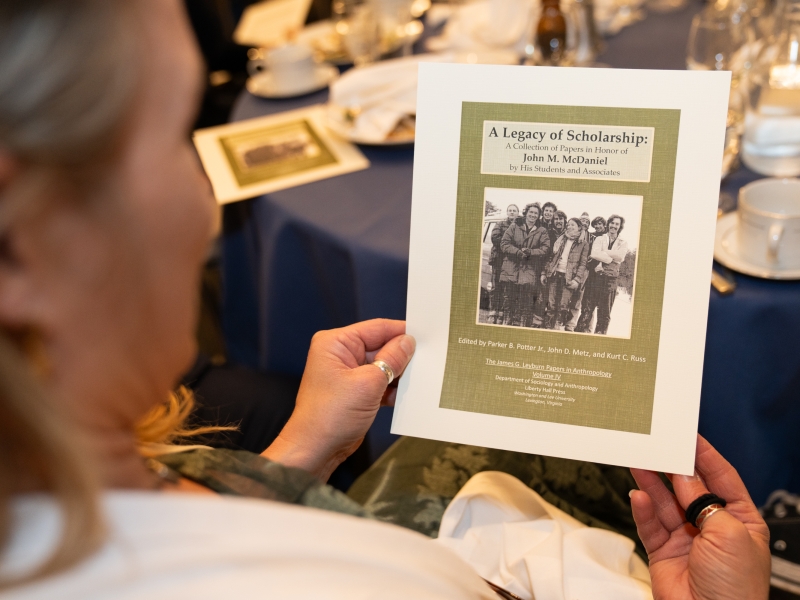
Students, faculty and alumni gathered April 12-13 to recognize the archaeological evolution of W&L’s back campus.
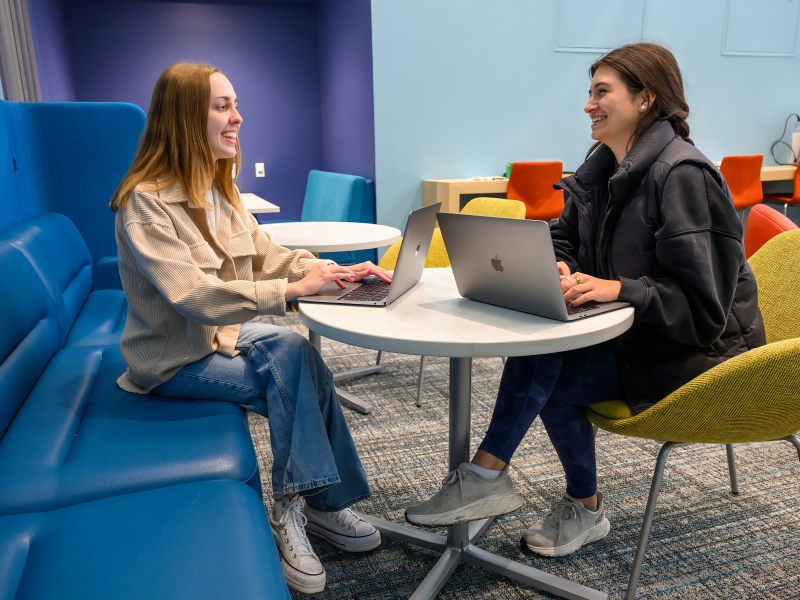
The “Dilemmas” podcast, hosted by two W&L seniors, connects students to the university’s Office of Career and Professional Development.
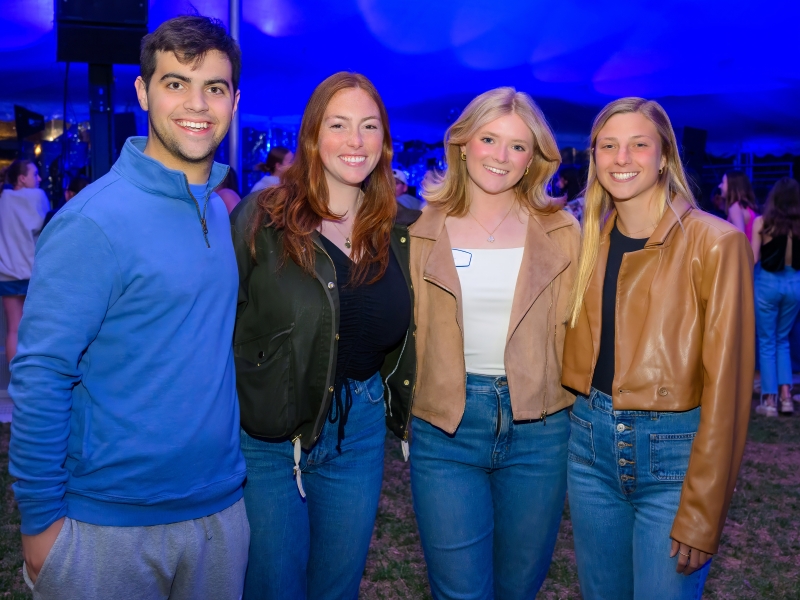
Student Organization Spotlight: GAB
Washington and Lee's Generals Activities Board has taken a dynamic approach to bringing the student body together through live music.
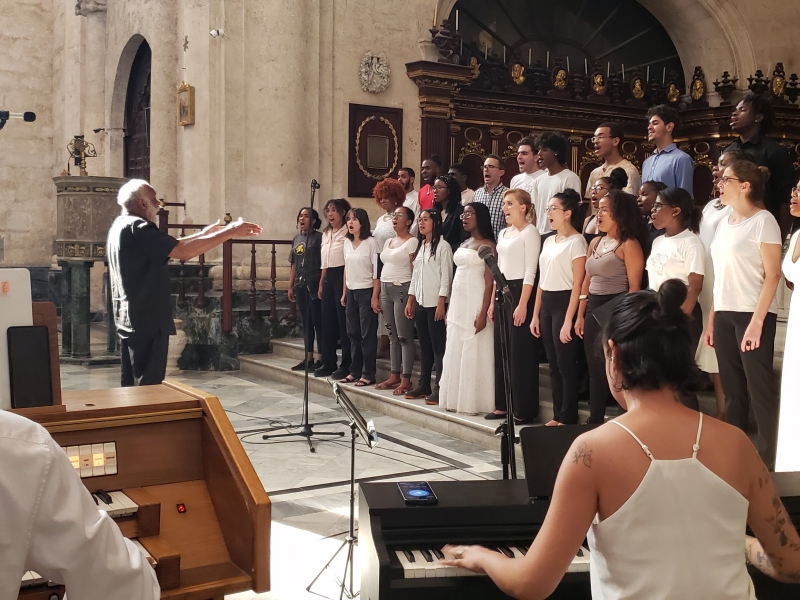
W&L Student Performs at Havana Jazz Festival
A meeting with a Broadway legend allowed engineering major Zaria Daniels ’26 to take her vocal talents to Cuba.
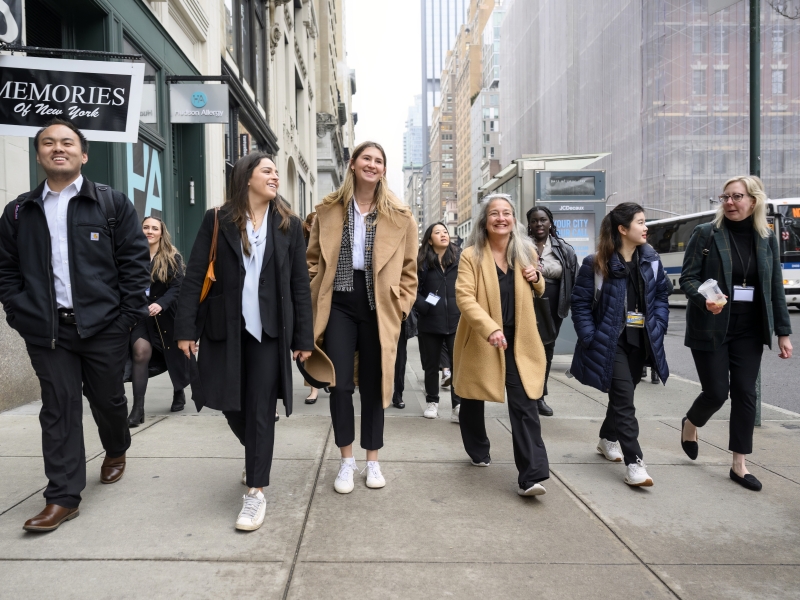
Exploring Careers in the Big Apple
W&L's Office of Career and Professional Development gave students the opportunity to network and explore potential career paths over Washington Break.
W&L Podcast Releases New Episode Featuring Wythe Whiting
"W&L After Class" invites listeners to join W&L faculty to discuss their teaching, research and passion projects.
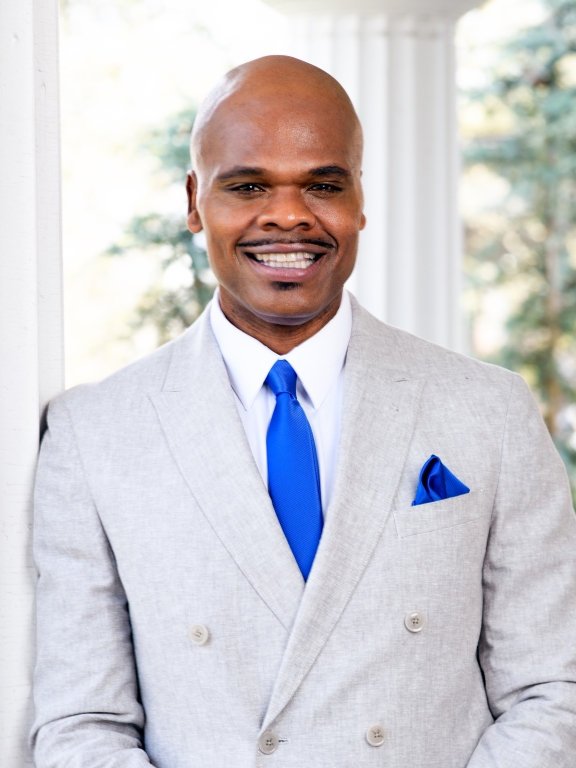
Alex Miller Named Next Vice President for Student Affairs and Dean of Students at Washington and Lee
Miller, whose appointment is effective July 1, joined Denison as vice president of student life in 2020 and has over 20 years of experience in higher education as a student affairs professional.
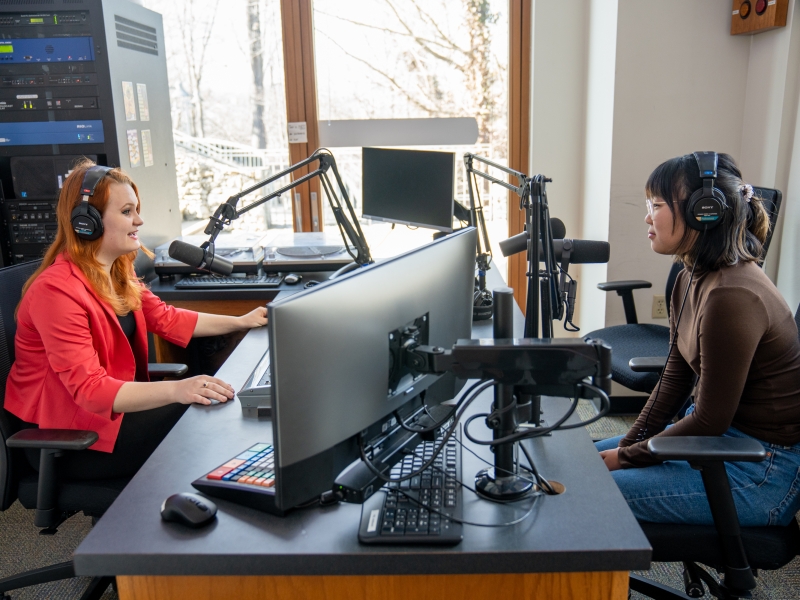
The Harte Center for Teaching and Learning is bringing student voices to a new podcast designed to share perspectives on transitioning to college life.

W&L’s Librarians Recommended Library Finds
Washington and Lee’s library staff share their recommendations for your next trip to the University Library.
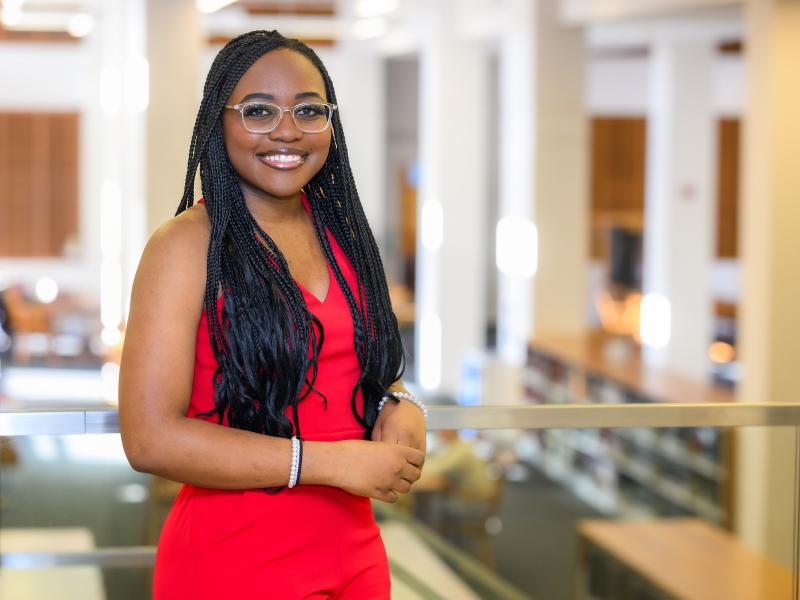
Laura Murambadoro ’26 brings varied interests, a collaborative leadership style and a passion for community engagement to W&L’s campus.
W&L After Class Podcast Begins its Fifth Season
“W&L After Class,” now entering its fifth season, invites listeners to join conversations with W&L’s expert faculty about their teaching, research and passion projects.